Settings — Sources
Traffic source management. Create and organize traffic sources for analytics and reporting.
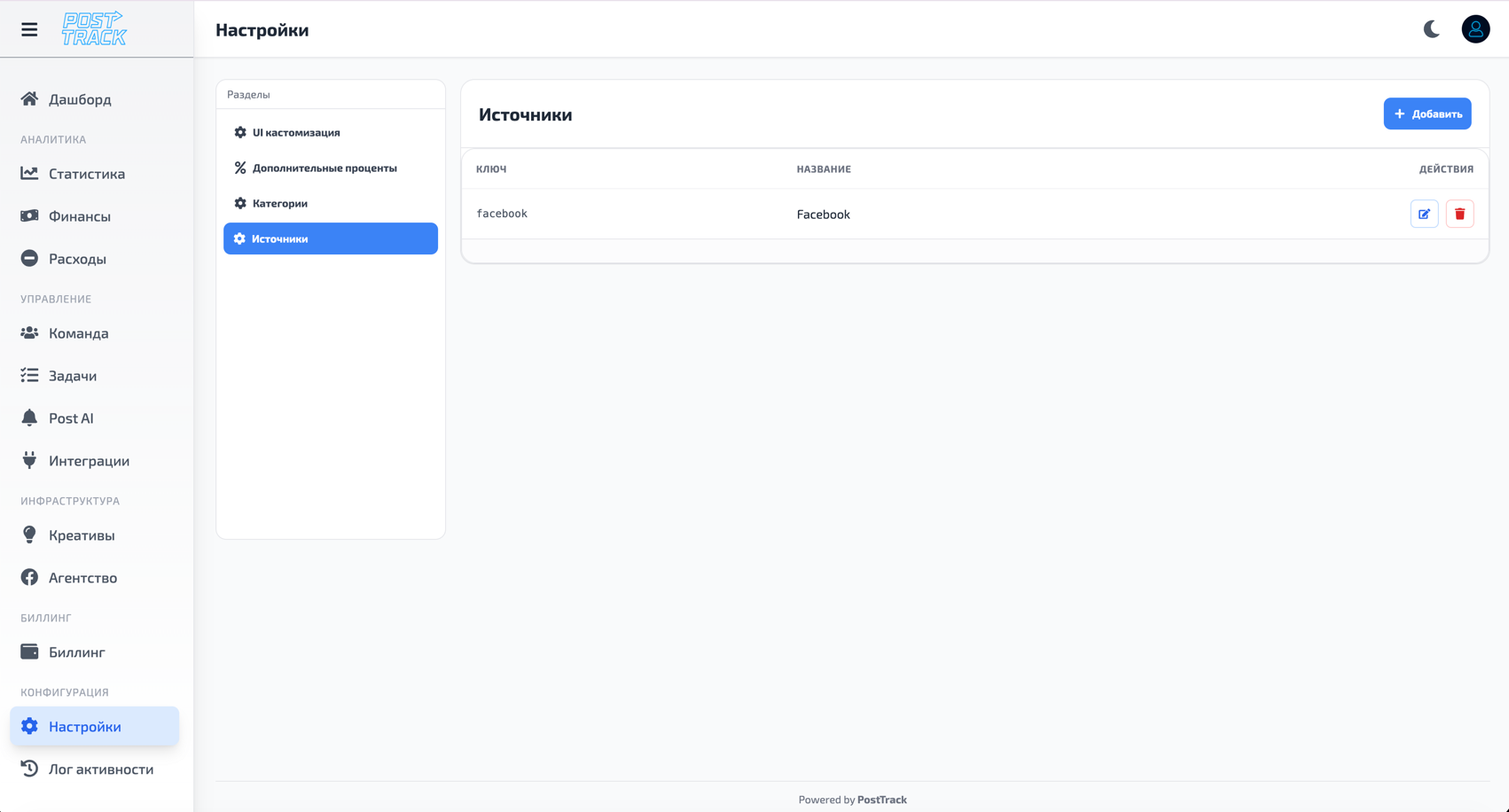
What Are Sources
Sources are traffic origins for your campaigns and projects.
Why needed:
- Track which platforms bring traffic
- Analyze effectiveness by sources
- Separate costs by channels
- Understand where to invest
Popular Sources
Social Networks:
- TikTok
- Twitter / X
Search:
- Google Ads
- Bing Ads
- Yahoo
Ad Networks:
- Taboola
- Outbrain
- PropellerAds
- ExoClick
Other:
- Push Notifications
- Native Advertising
- Influencer Marketing
- Organic Traffic
Managing Sources
Creating Source
- Open Settings → Sources
- Click "Add Source"
- Fill in:
- Source name
- Type (social network, search, ad network, etc.)
- Description (optional)
- Save
Editing Source
- Find source in list
- Click "Edit"
- Change name, type or description
- Save changes
Deleting Source
- Find source in list
- Click "Delete"
- Confirm deletion
Important: Can't delete source if it's used in campaigns or statistics.
Source Usage
After creating sources, you can:
- Assign to campaigns
- Filter statistics by sources
- Analyze effectiveness by channels
- Compare ROI across different sources
- Export reports with source breakdown
Tips
- Standardization - use standard source names (Facebook, Google, etc.)
- Detail - specify details when needed (Facebook Desktop, Facebook Mobile)
- Relevance - keep source list up to date
- Structure - organize sources by types for convenience
Related Sections
- Statistics — source data analytics
- Expenses — source expense tracking
- Settings — other settings