Settings — Categories
Expense category management. Create, edit and organize categories for convenient analytics.
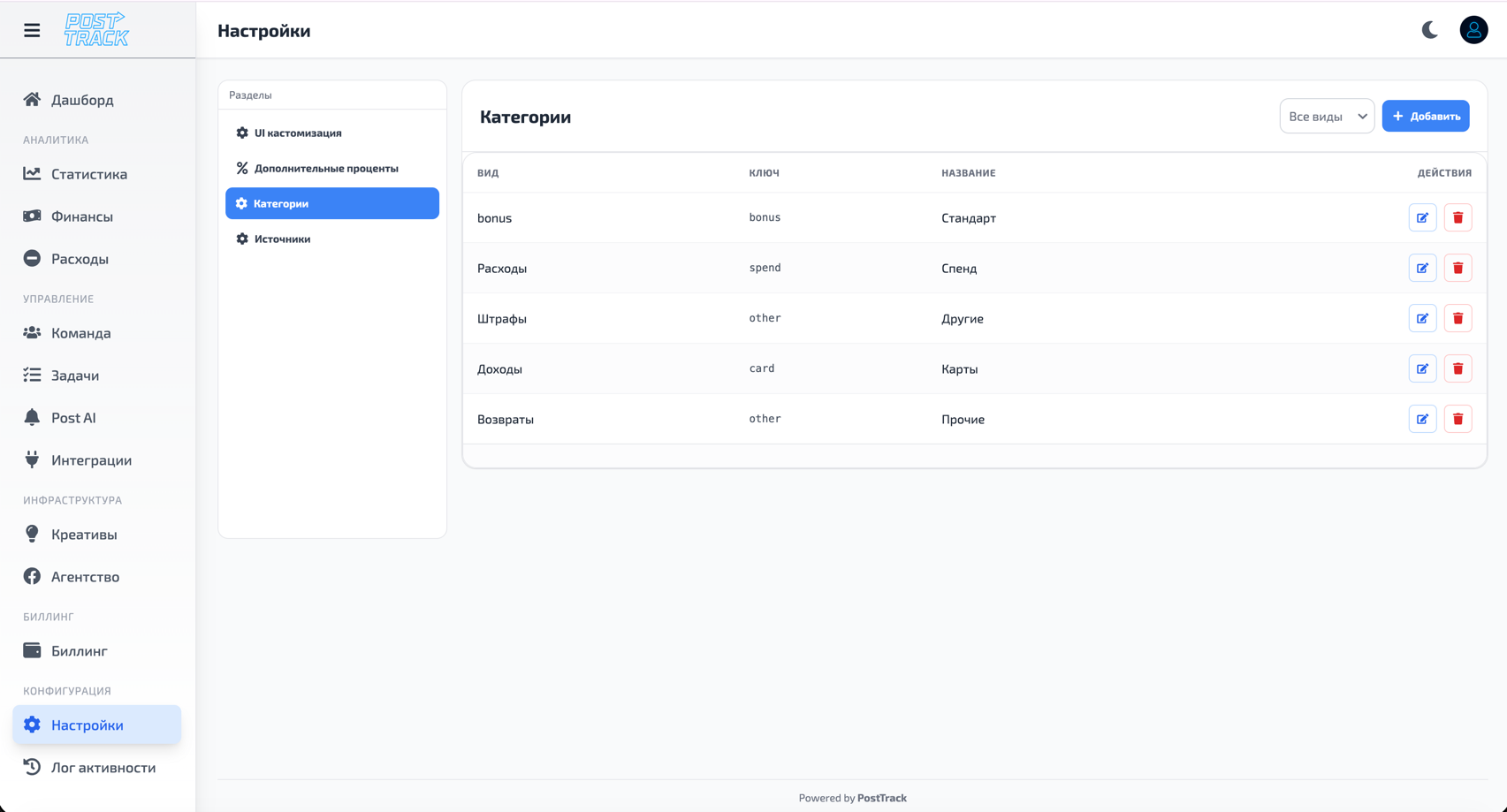
What Are Categories
Categories are expense groups for organizing and analyzing spend.
Why needed:
- Structure expenses by types
- Analyze spend by directions
- Quickly understand where money goes
- Create detailed reports
Popular Categories
Advertising:
- Facebook Ads
- Google Ads
- TikTok Ads
- Native Advertising
Infrastructure:
- Tracker (Keitaro, Binom)
- Domains and Hosting
- VPN and Proxies
- Tools and Services
Team:
- Salaries
- Bonuses
- Freelance
Other:
- Design and Creatives
- Office
- Miscellaneous
Managing Categories
Creating Category
- Open Settings → Categories
- Click "Add Category"
- Fill in:
- Category name
- Description (optional)
- Color for visual distinction
- Save
Editing Category
- Find category in list
- Click "Edit"
- Change name, description or color
- Save changes
Deleting Category
- Find category in list
- Click "Delete"
- Confirm deletion
Important: Can't delete category if it has associated expenses.
Category Usage
After creating categories, you can:
- Assign to expenses in Expenses section
- Filter expenses by categories
- View analytics by category
- Export reports with category breakdown
Tips
- Specificity - create specific categories for accurate analytics
- Colors - use different colors for quick visual navigation
- Structure - organize categories by types (ads, infrastructure, team)
- Relevance - periodically review and update category list
Related Sections
- Expenses — expense management
- Statistics — expense analytics
- Settings — other settings