Integrations
Centralized external service connection management. Sync data with trackers, platforms, payment systems and messengers for workflow automation.
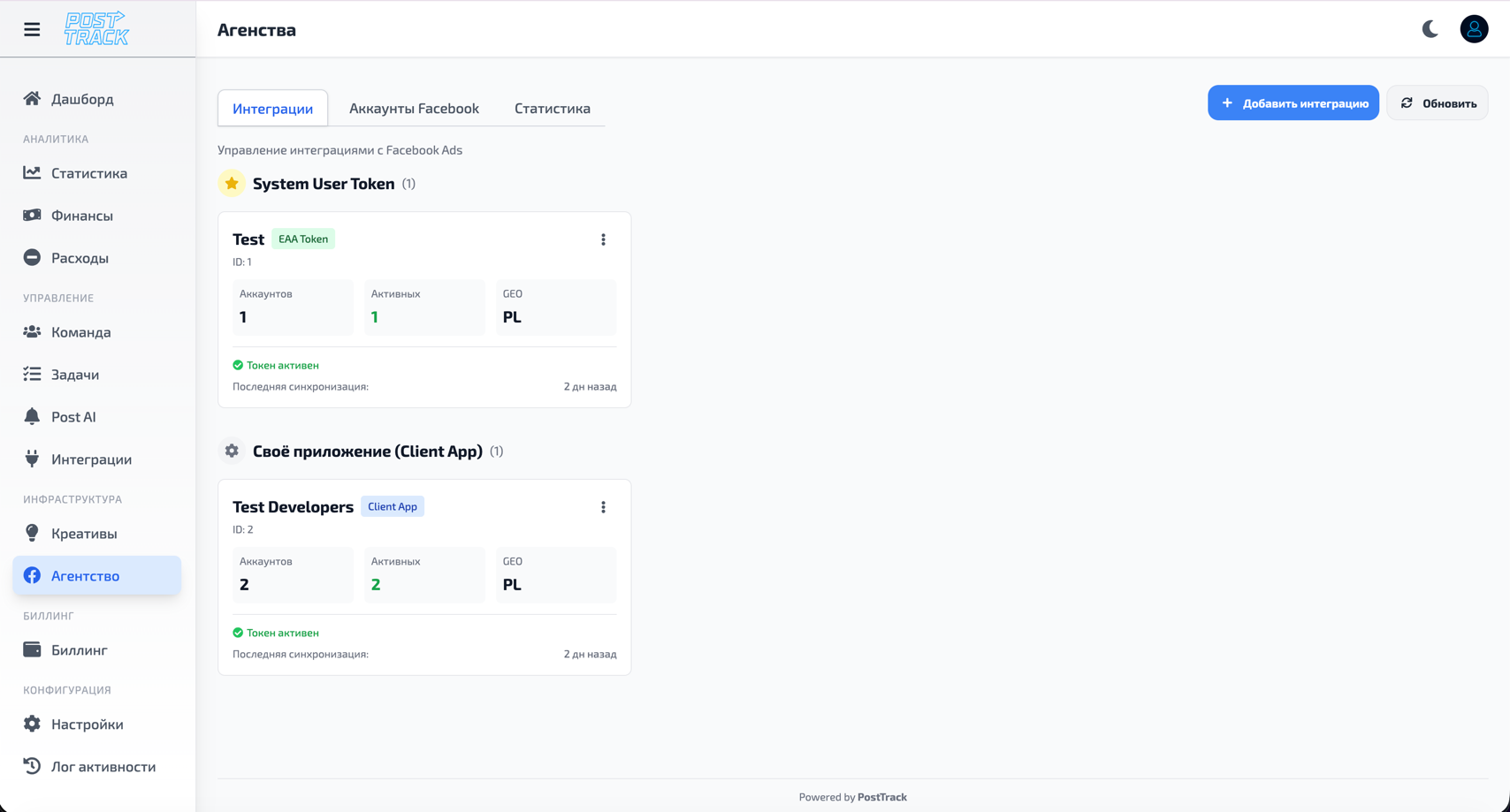
Available Integrations
Trackers
Keitaro
- Automatic campaign statistics import
- Click, conversion and spend sync
- User binding to campaigns, groups and subs
- Automatic sync configuration
Learn more: Keitaro Integration
Binom
- Traffic and conversion data sync
- Campaign statistics import
- Automatic data updates
- Detailed source analytics
Advertising Platforms
Facebook Ads
- Automatic spend and metrics import
- Ad account and campaign sync
- User binding to accounts
- Detailed creative statistics
Learn more: Facebook Integration
Payment Systems
BroCards
- Automatic transaction sync
- Deposit and payout import
- Bonus tracking (FTD)
- Balance and operation accounting
Learn more: BroCards Integration
Messengers
Telegram Bot
- System event notifications
- Task and deadline alerts
- Post AI rule trigger notifications
- Personal notification settings
Learn more: Telegram Integration
Chatterfy
- Chat platform integration
- Team notifications
- Communication channel configuration
- Event synchronization
Extended Capabilities
Each integration has own tab with extended settings:
Sync configuration:
- Update frequency (every hour, 6 hours, daily)
- Data selection for import
- Date and condition filtering
- Field mapping between systems
Access management:
- Assign integration responsible persons
- Bind users to integration data
- Separate view and edit permissions
- Settings change history
Monitoring:
- Connection status (active/error)
- Last successful sync
- Imported record count
- Sync logs and errors
Integration Connection Process
General Steps
- Open Integrations section
- Select integration type
- Enter connection data (API key, server URL, credentials)
- Configure parameters (sync frequency, data selection, filters)
- Test connection (system automatically checks)
- Activate integration
Integration Management
Viewing Active Integrations
List of all connected integrations with status, last sync date, record count and quick actions.
Editing Integration
Update API key/token, configure sync frequency, add data filters, modify field mapping.
Monitoring and Logs
Check sync status, review sync history, analyze errors and troubleshoot issues.
User Binding
Configure user binding to data for each integration.
Example with Keitaro:
- Bind buyer to specific campaign
- Bind to campaign group
- Bind to specific subs (streams)
Result:
- User sees only their data
- Automatic statistics filtering
- Buyer access separation
Learn more: Team Management
Important
- Security - all API keys stored encrypted
- Automation - sync happens automatically on schedule
- Reliability - system retries on connection errors
- Monitoring - all operation logs available for analysis
- Flexibility - configure each integration for your needs
Detailed Documentation
Separate detailed instructions for each integration:
- Keitaro — tracker setup
- Facebook Ads — ad account connection
- BroCards — payment sync
- Telegram Bot — notification setup
Related Sections
- Team — user binding to integrations
- Statistics — imported data analysis
- Dashboard — data overview from all integrations
- Post AI — data-based automation